Open Free Max 4.0 adds the AI Router
Open Free Max 4.0 stops you picking a model before every task, keeps your work moving when a subscription runs out, and lets you ask several agents at once without paying more.
By Open Free Max
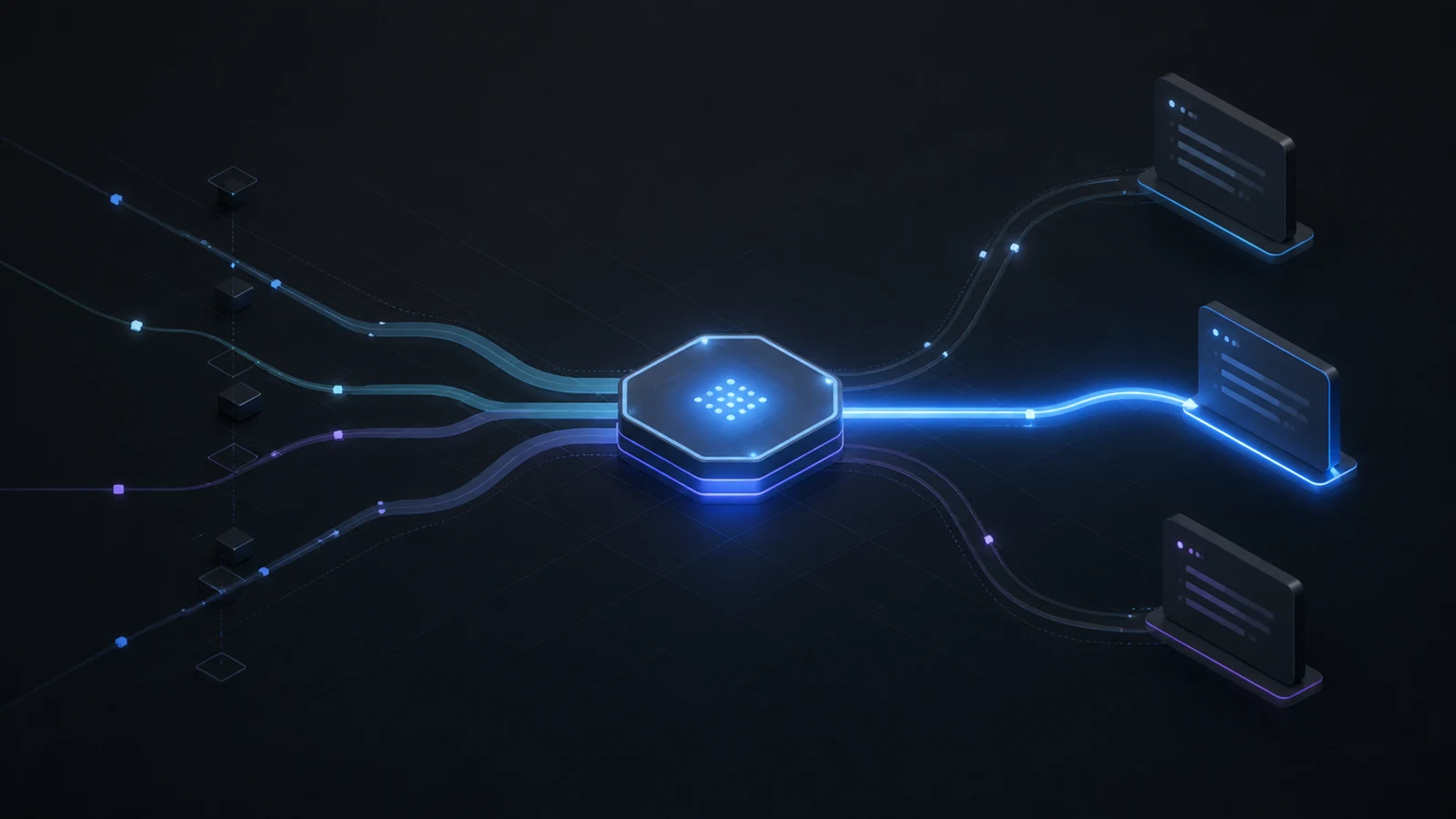
Open Free Max 4.0 adds the AI Router
Open Free Max 4.0 is available today. Its headline change is the AI Router.
You stop picking a model before every task. You describe the work. The right agent starts, at the right level of thinking, on the subscriptions you already pay for.
One less decision, dozens of times a day
You own several agent subscriptions and several models inside each. Nobody re-picks the best one for every small task. So everyone settles on one, and spends the day either paying a heavyweight model to fix a typo or asking a light one to think through an architecture.
The router decides per task. A quick task gets a quick model. A hard question gets real thinking. You do not arbitrate anything.
You can also name the level yourself. Write it in your task description and the router takes it as given.
You see the choice before anything runs
The panel tells you which agent, which level, and which model, in plain language. Nothing starts until you say so.
If you disagree, one click sends the task to another agent instead. Your preference wins every time, and the router never touches a model you pinned yourself.
No more Friday wall
Subscriptions have quota windows. Running out is not a bill that grows, it is a hard stop, and it usually happens in the middle of an overnight batch.
Now, when one subscription is spent, unattended work carries on with another one you already own. Only ever with a CLI you have already run yourself on that project, and only on a fresh task, so nothing is lost mid-flight.
A gauge for each subscription sits on the Mission Control bar, with a reserve at the end that automatic decisions never spend. Whatever runs on its own, you keep something in hand.
Several opinions, without paying more
On a question that matters, tick more than one subscription. The same task starts on each, every agent with its own model, and you compare the answers.
It costs nothing extra. Those plans are already paid for.
It learns your habits, project by project
Override the router and it remembers. Accept its proposal and it reads nothing into it, because you may simply have had no opinion.
The panel shows what it picked up on that project, next to a Forget button.
Also in this release
The recurring-work editor gains a library of reusable jobs. Set up a scheduled job once — the CLI, the cadence, the checklist, the prompt — file it under a name, and bring it back on any project in one click. Reusing an entry fills the form and stops there, so nothing old starts running by accident.
What changes when you update
Two things change on their own, and both are worth knowing before you install.
The router arrives on. A task launched through it gets the model it judges right, rather than the one you had set by hand in that CLI's settings. If you would rather keep your own setting, turn the router off in Settings → Routing and that choice sticks.
Your local state moves into a folder of its own, per account. Two accounts on the same machine used to see the same projects, memory and sessions. They no longer do. The move happens once, at the first launch after you sign in, and switching account now asks for a restart.
The AI part of the routing decision is paid by OFM, never by your subscription quota, and it needs a connection.
A level of thinking, not a model menu
The important decision is not a brand name in a dropdown. It is how much work the request asks an agent to do. A quick task is mechanical and bounded: rename a field, format a table, find a setting, make a small edit. Regular work has a few moving parts: a draft that needs shaping, a feature with known boundaries, a research task that needs synthesis. Hard thinking is for work that asks the agent to compare, diagnose, audit, weigh trade-offs or restructure something with consequences.
Those words deliberately describe the request rather than the profession of the person making it. A manuscript, a spreadsheet and a codebase can all contain quick tasks and hard questions. That lets the router be useful to the person preparing a report as well as the person debugging a race condition.
You can be more specific whenever you want. Put the level in the brief and the router treats it as an instruction rather than a guess. The panel also says whether the level came from your words or from the router, so there is no invisible inference to reverse-engineer later.
A proposal you can inspect
The router is not an auto-pilot that silently changes the model you configured months ago. In the panel, it makes one proposal: a CLI, a level, the reason for that level and the model implied by the provider configuration. You can launch it, choose another eligible subscription, ask more than one subscription, or leave and do something else.
That distinction matters. Automation should remove repeated work, not remove the ability to notice a consequential decision. A model pin is an explicit instruction, so the router leaves the pinned provider alone. Turning routing off restores the earlier behaviour. And if the feature has been turned off, its project-panel button still gives you a direct way to turn it back on instead of hiding the feature behind a settings hunt.
The router does not need a long setup ritual. It can make a useful first proposal as soon as your eligible CLIs are available. Settings are for tuning which subscriptions can serve each level, not for constructing a rules engine before the product can help.
The quota problem is a continuity problem
API billing and subscriptions fail in different ways. With an API, extra use normally appears as a larger bill. With a subscription, a usage window can close while a person is asleep or while a scheduled batch is still waiting to start its next unit. The failure is abrupt: work that could otherwise continue is parked until the window returns.
Open Free Max watches the windows that its supported subscription workflows expose and shows each one as a gauge in Mission Control. The end of the gauge is a reserve. Automatic choices do not consume that reserve; only the user can. The point is not to squeeze every last minute from a plan. It is to preserve room for the task that matters when an estimate is wrong, a provider is slow or a Friday afternoon arrives at the wrong moment.
For unattended work, a new task can move to another subscription already used successfully in that project. The eligibility rule is intentionally narrow. It is proof that the CLI runs on that machine, that the user signed in, and that the user has already allowed that provider to see that project. A provider can be excluded in one click, and that exclusion remains stronger than anything the router has observed.
No running conversation changes provider midway through a task. Its history and context belong to the session that started it. A fallback is for the next launch, never for pretending that a fresh agent understands an unfinished conversation it did not have.
Several answers can be the right answer
There are tasks where the product should not pretend that one answer is enough. A diagnosis, a design direction, a difficult policy decision or an architecture review can benefit from independent opinions. In the router checklist, tick more than one eligible subscription and the same new task launches on each. You compare the results yourself.
This is possible because OFM runs official interactive CLIs on subscriptions the user already owns. The agent runs do not turn into an OFM API meter. That does not make quota infinite, and it does not remove the cost of the subscriptions themselves; it means the product has no incentive to forbid useful redundancy merely because a second answer would add a token bill to its own ledger.
What the router remembers
The router learns only from a clear correction. If it proposes one subscription and you choose another, that is evidence of preference for this project and the panel can use it when making later proposals. Accepting a proposal does not prove that you agreed with it; you may simply have had no reason to intervene. So acceptance is deliberately not treated as a training signal.
The remembered information stays local to the project and can be erased from the panel. It is not a quality score for people, providers or tasks. The router does not claim to know whether an answer was good just because you launched it. It remembers a preference, and only when you expressed one.
A release that changes defaults honestly
Version 4.0.0 turns the router and its AI step on once for existing configurations as well as new installs. That is a visible change: when you launch through the router without naming a level, the chosen model may differ from the model previously selected by hand in a CLI's settings. The release does not hide that trade-off. Turn routing off in Settings → Routing and the older behaviour returns; the choice is retained.
The release also separates local projects, sessions and memory by account. On the first launch after sign-in, existing local state moves into its own account folder. Two accounts on one machine no longer share that working state, and switching accounts asks for a restart. It is less glamorous than the router, but it is part of making an AI workspace trustworthy when more than one person uses the same computer.
Where to read more
- AI Router — the panel, and how to keep the last word
- Levels and capabilities — the three levels and how to name one yourself
- Quota and subscription switching — gauges, reserve, fallbacks
- Changelog — the full 4.0.0 entry
The Windows installer is OpenFreeMaxIDE_4.0.0_x64.msi, signed with Azure Trusted Signing and published as the verified APPS VELOCITY publisher. Grab it from the download page.